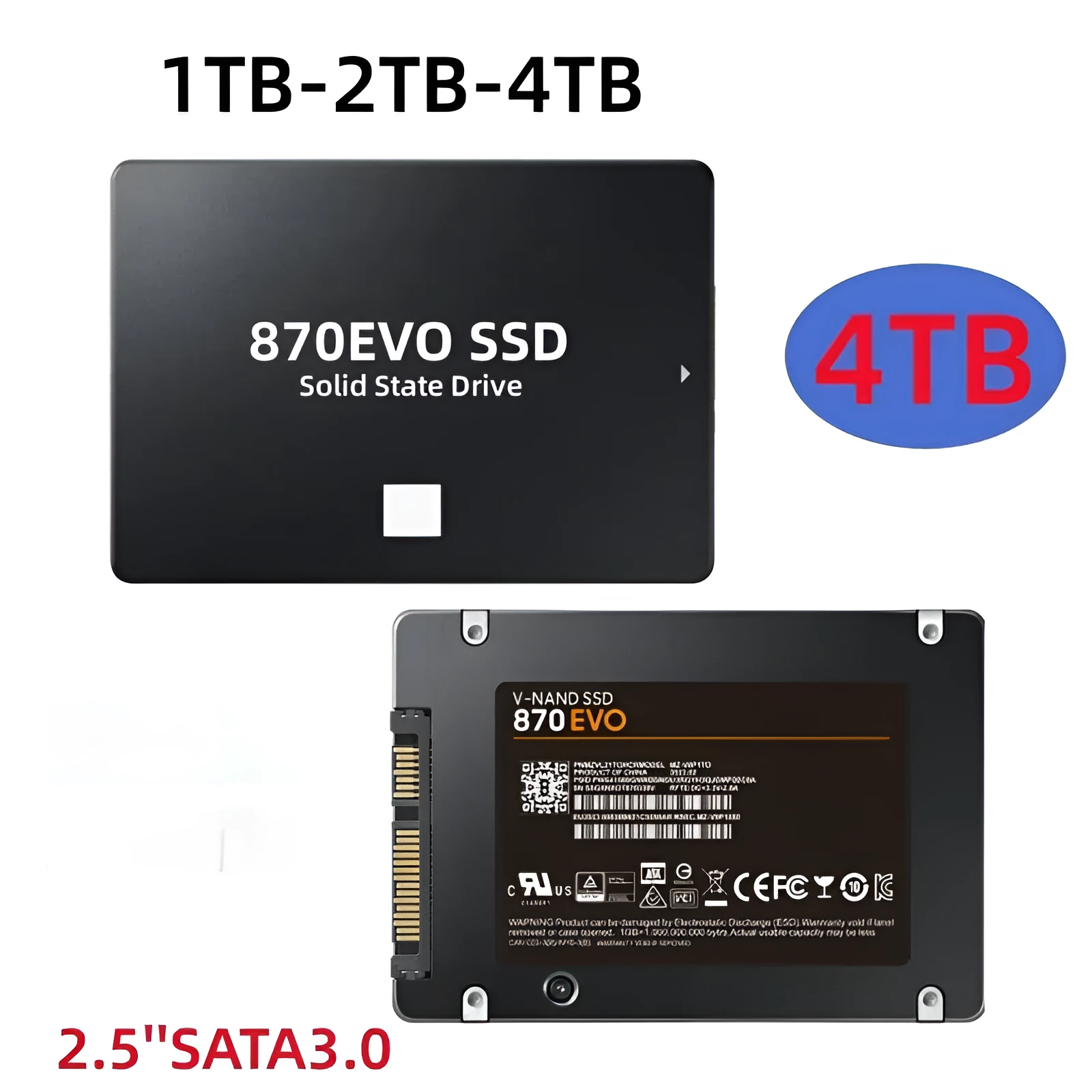
Samsung 870 EVO 2.5-inch SATA SSD for PC laptop upgrade, internal solid state drive with SATA 3.0 interface, high-speed data transfer, available in 500GB 1TB 2TB 4TB capacity options for storage expansion and performance boost.


Samsung 870 EVO 2.5-inch SATA SSD for PC laptop upgrade, internal solid state drive with SATA 3.0 interface, high-speed data transfer, available in 500GB 1TB 2TB 4TB capacity options for storage expansion and performance boost.
Samsung 870 EVO 2.5-inch SATA SSD: Internal Solid-State Drive for PC and Laptop Storage Upgrades

Upgrading your computer's storage is a practical way to improve its responsiveness and expand its capacity for files and applications. The Samsung 870 EVO 2.5-inch SATA SSD offers a straightforward solution, replacing slower mechanical hard drives or adding fast supplementary storage. This internal solid-state drive connects via the widely supported SATA 3.0 interface, making it compatible with most desktop PCs and laptops from recent years. With capacity options ranging from 500GB to 4TB, you can select a size that matches your storage requirements, whether for general use, gaming libraries, or work projects.
Features and Construction

The 870 EVO is built around solid-state technology, which uses flash memory chips instead of moving parts to store data. This construction typically allows for quicker access to files and programs compared to traditional hard disk drives. The drive's physical design centres on its 2.5-inch form factor, the standard size for internal storage in many laptops and desktops.
Material and Build
The drive consists of solid-state components housed within a standard 2.5-inch casing. Its construction is designed for internal mounting within a computer chassis, requiring connection via SATA data and power cables. The absence of moving mechanical parts, common in solid-state drives, can contribute to quieter operation and less vulnerability to physical shock during normal use.
Size and Practical Fit
Measuring 2.5 inches, this SSD fits into the drive bays of most modern desktop computers and laptops. Its form factor is a key consideration for compatibility, as it matches the mounting points and connection standards found in many systems. The physical size ensures it can be installed in place of an existing 2.5-inch hard drive or added as a secondary drive if space and connections allow.
Uses and Placement

This SSD is intended for internal installation, making it a core component of a computer system rather than a portable external device. Its primary role is to serve as the main boot drive holding the operating system or as additional high-speed storage for applications and files.
Event or Professional Use
For work or professional environments, installing this drive can reduce load times for software applications, improve system boot speed, and provide reliable storage for project files. The capacity options allow users to choose a size suitable for their data needs, with larger capacities accommodating extensive media libraries or datasets.
Everyday Home Use
In a home setting, the drive offers a noticeable performance upgrade for general computing, making everyday tasks feel snappier. It can be used to speed up a family PC, revitalise an older laptop, or provide fast storage for a gaming system. The available capacities mean users can select a drive that fits their budget and storage requirements.
Benefits and Buying Value

The value of this SSD lies in its role as a hardware upgrade that can extend the useful life of a computer by improving its performance. Choosing the right capacity is important, as it determines how much data can be stored locally on the fast drive.
Reuse and Low Maintenance
As a solid-state component with no moving parts, the drive requires minimal maintenance once installed. It can be reused in a different system if the original computer is retired, provided the new system has compatible SATA connections. The technology focuses on reliable storage without the need for periodic defragmentation or similar upkeep.
Why Choose This Product
This drive provides a recognised brand option for a SATA SSD upgrade, with a clear range of capacities to suit different needs. Its 2.5-inch form factor and SATA 3.0 interface ensure broad compatibility with existing computer hardware, making the upgrade process straightforward for those comfortable with installing internal components.